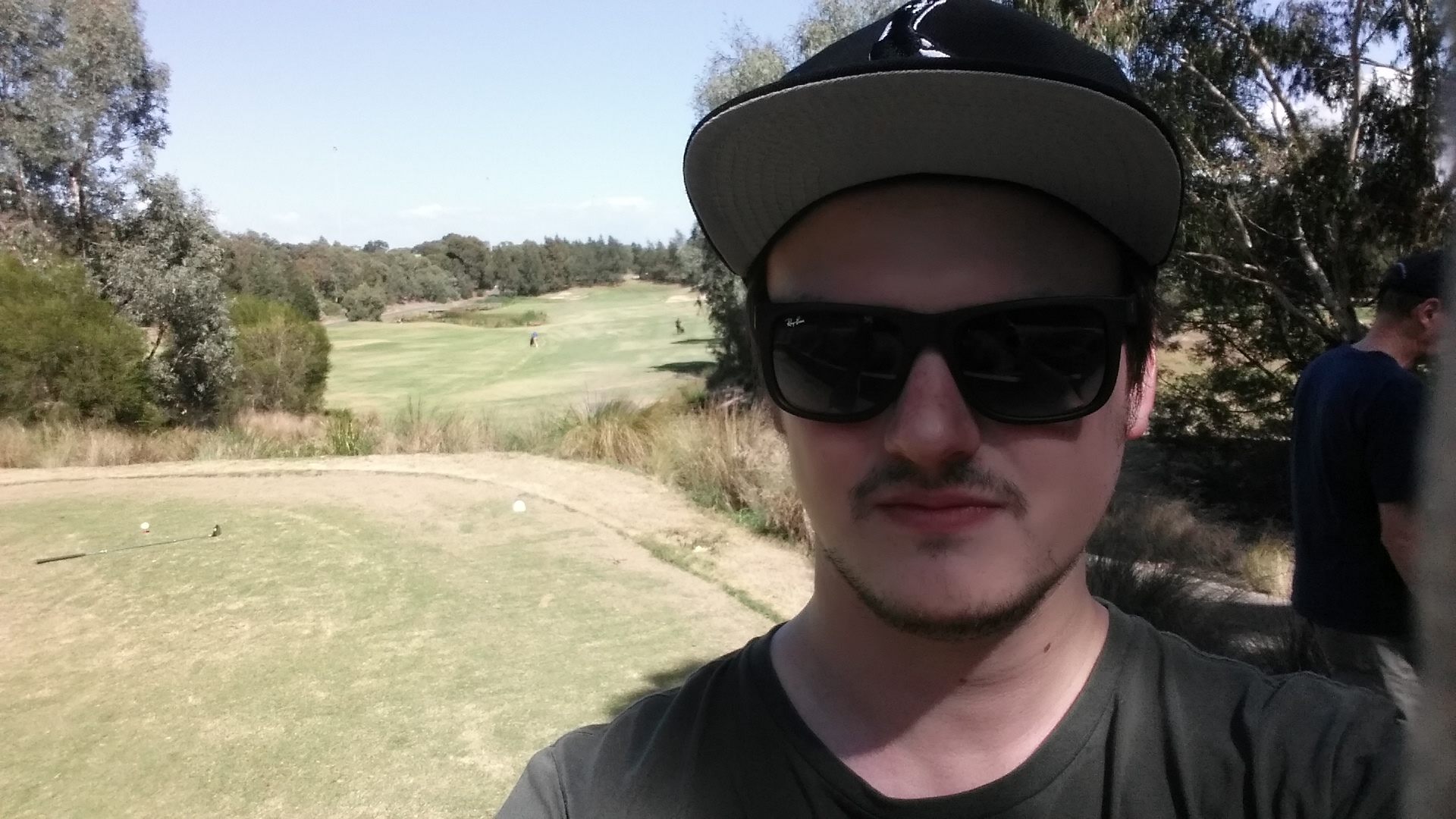
Golf day at Eastern Freeway Golf Club

20150320_115300

Every 2 months I get an RDO from work, which means it’s time to hit the golf course and play some golf! So far I’ve been playing 9 holes and because I just started out my current goal is to break 60 over 9 holes, with the eventual goal being to break 100 for 18 holes.

Over the last few weeks, I haven’t practiced much so I struggled with the first 5 – 6 holes off the tee and only played how I would like to for the last 3 holes.

My best was the 8th hole which was 165 Metre par 3, I made it onto the green in 2 shots and then had a 10 metre putt for par. The putt got me about 1.5 metres from the hole and so I was able to get a bogey which I was happy with. I also bogeyed the 9th hole to finish off well.

I decided that day to only bring 5 clubs with me the 7 – PW and the putter, to avoid the temptation to hit every tee with a driver, because I had so many issues with the driver last time. It also makes the decision of club selection a lot more straight forward.

Golfclubs

I’m still excited to go out and practice and continue to work on improving my game and reaching my goals.

Find out more about Eastern Freeway Golf Club

First post on my new blog! How I set it up

This is the first website / blog that I have ever made. For a long time I always wanted to have my own website, but I never knew where to start or what I would even put on there. Eventually I realised that I should just go ahead and learn how to make a blog. This is the process that I went through:

1. I bought my domain through VentraIP Australia

This was probably the hardest part of the process for me, trying to decide on a name to use for the site. Eventually I just decided to go with my own name and use .me domain name, as it feels more personal and works well for a blog.

The benefit of VentraIP is that they provide WHOis protection included for free. Whereas GoDaddy charge each year for this as an extra. You really want this so your personal details aren’t available for everyone to search and see.

2. I got hosting for the domain for free from Free Hostia (Thanks to a work colleague for providing the suggestion)

Their website is quirky and has a whole bunch of stuff on the home page. Half way down is the chocolate option, which is the free hosting service. (Note: They have now updated their website to a cleaner look and it’s far easier to find the sign up button)

3. Through the hosting service control panel, I used the application installer and installed WordPress. Then read some articles about how to actually use WordPress to make a blog.

4. I had to change the DNS settings on VentraIP to point to the hosting service, so that when I go to the site, it doesn’t show as being parked by VentraIP.

5. Logged into WordPress and started writing a post.

I hope that this is just the start and I will be blogging for a long time to come about random stuff, but mainly golf.